Lineu
Capture, organize, and master knowledge from every AI interaction
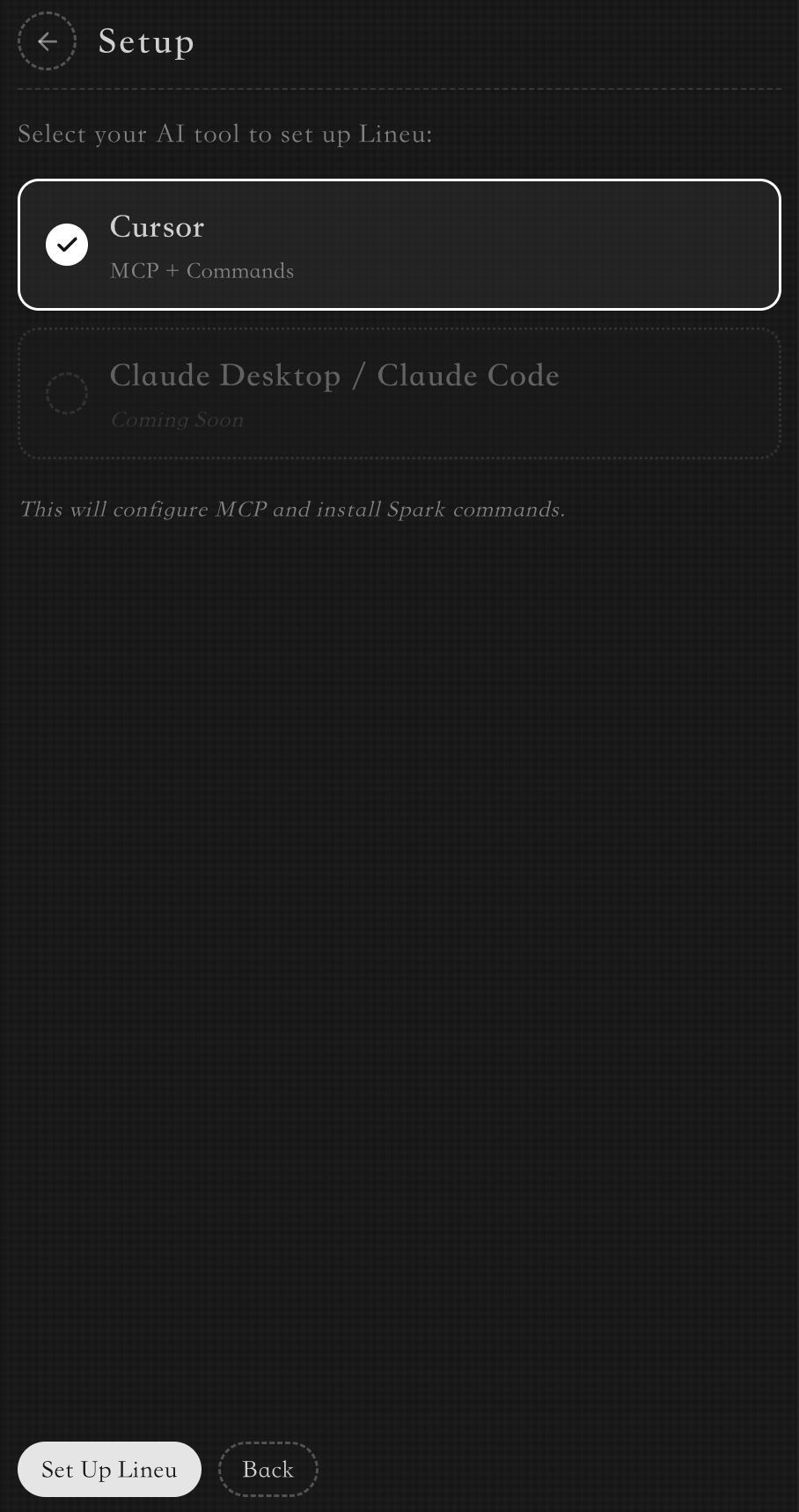
Download for VSCodeSeamlessly integrate Lineu with your favorite AI tools like Cursor, Claude Desktop, and more. Your AI learning companion is ready in seconds to start capturing knowledge.
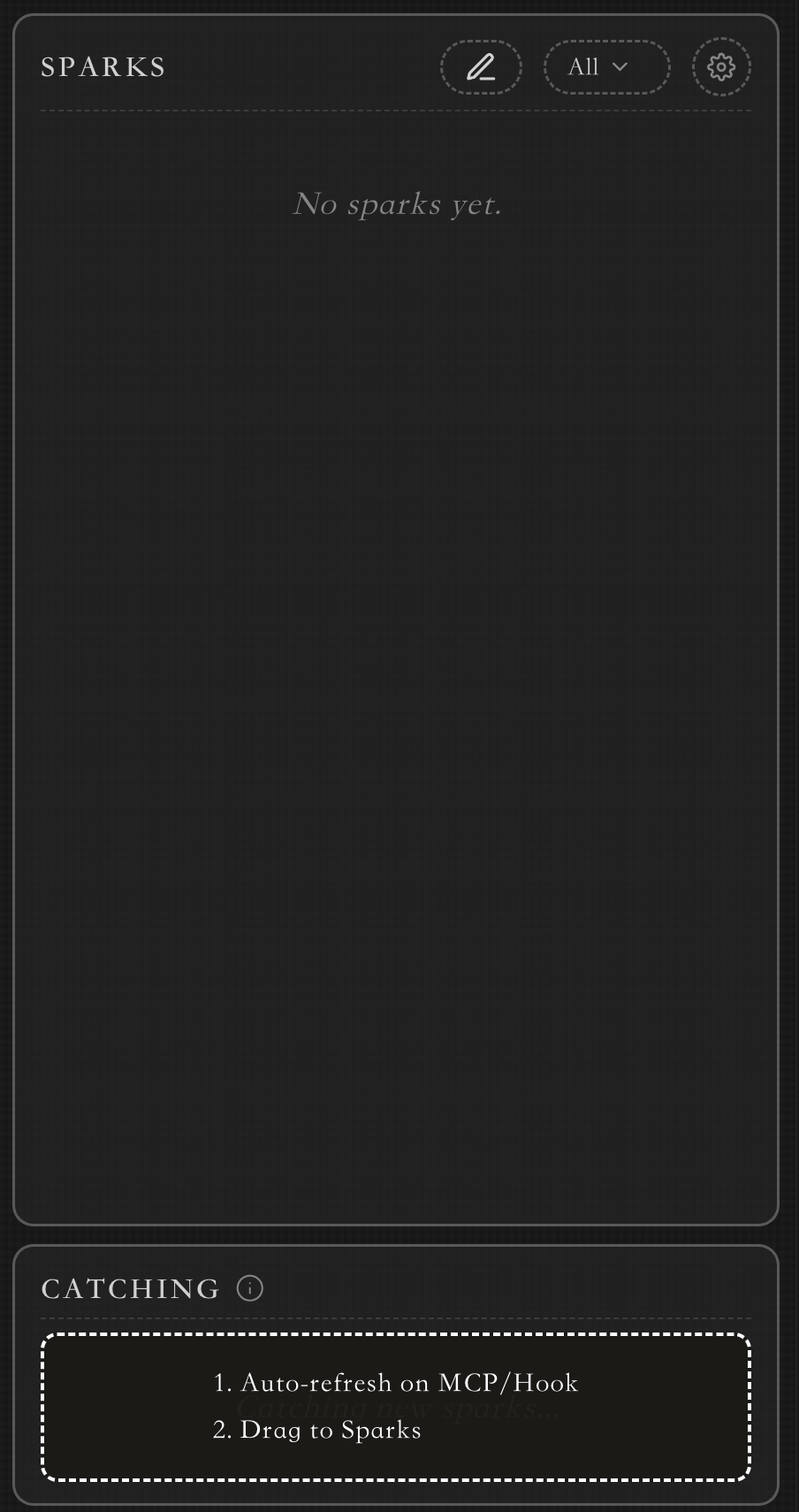
As you chat with AI, simply use the /spark command to capture important insights, code snippets, or ideas. Your companion transforms conversations into reusable knowledge cards.
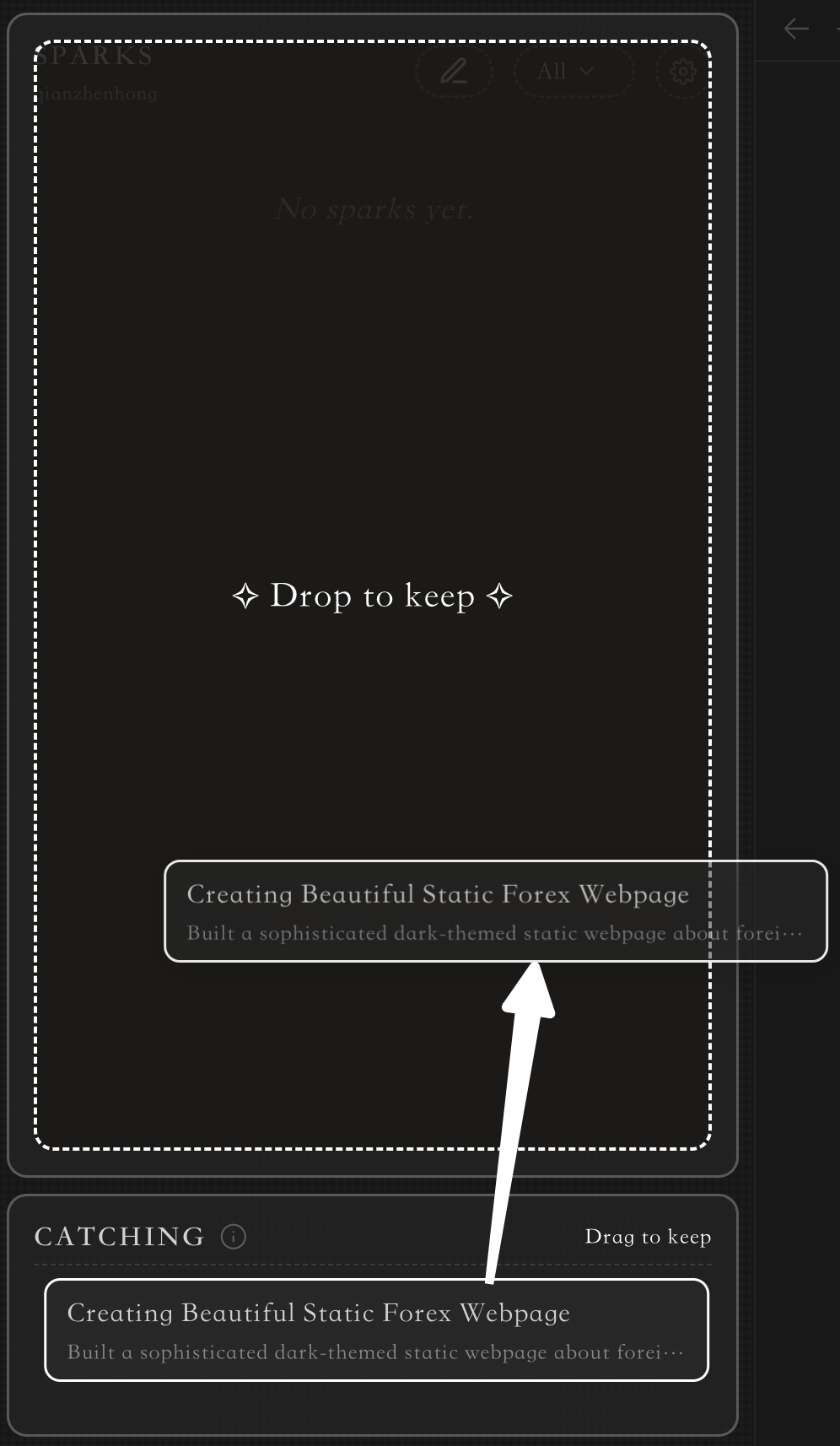
Intuitively manage your sparks with a simple drag-and-drop interface. Keep what matters, dismiss what doesn't, and build your personal learning library.
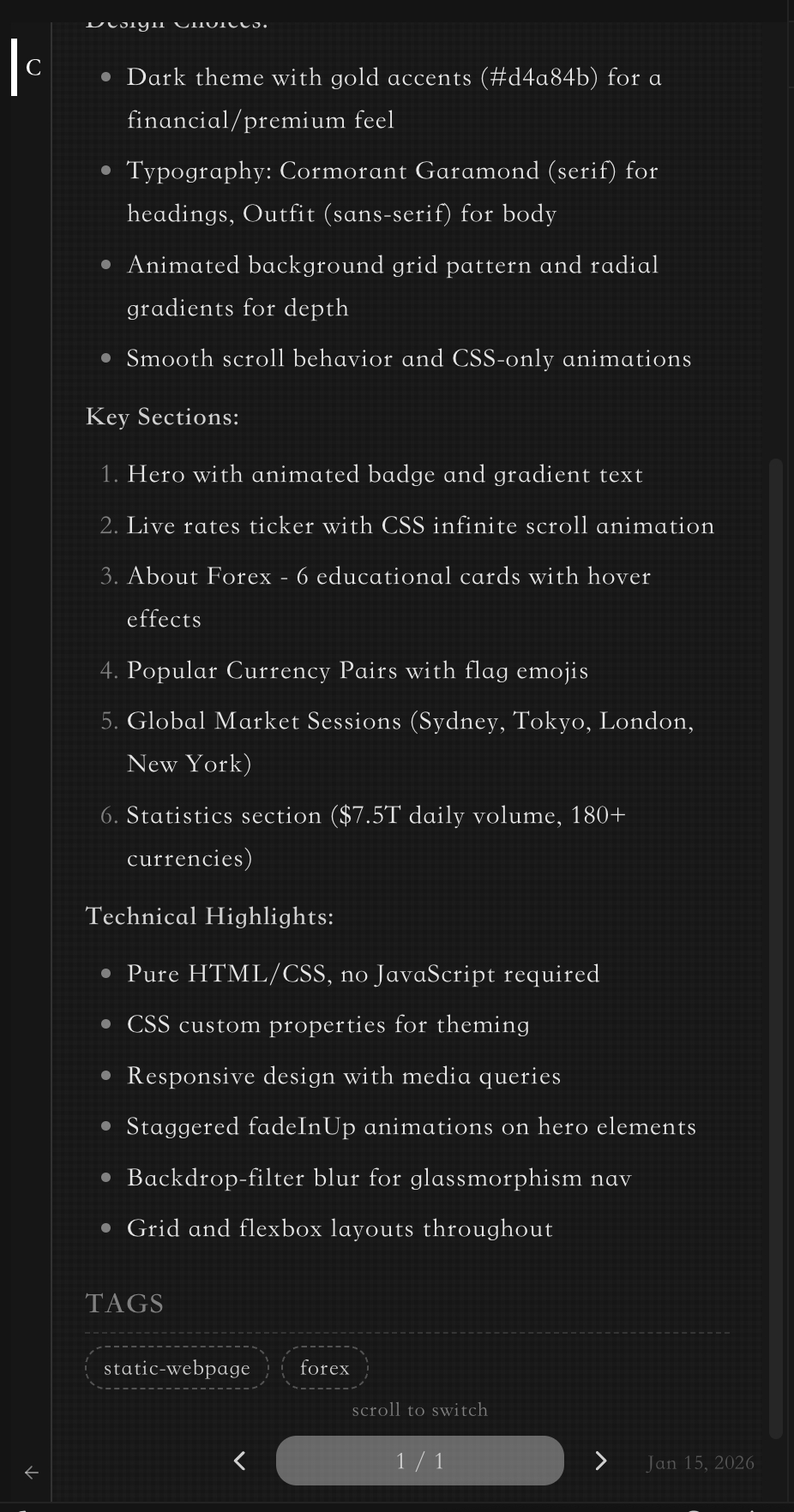
Access your saved sparks anytime. Review detailed information, tags, and context. Your AI learning companion helps turn fleeting conversations into lasting knowledge.